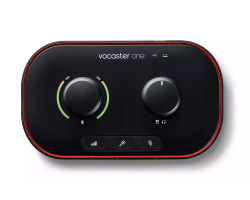



Audio Interface FOCUSRITE Vocaster One
Specification
Description
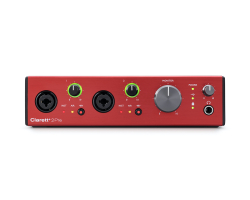
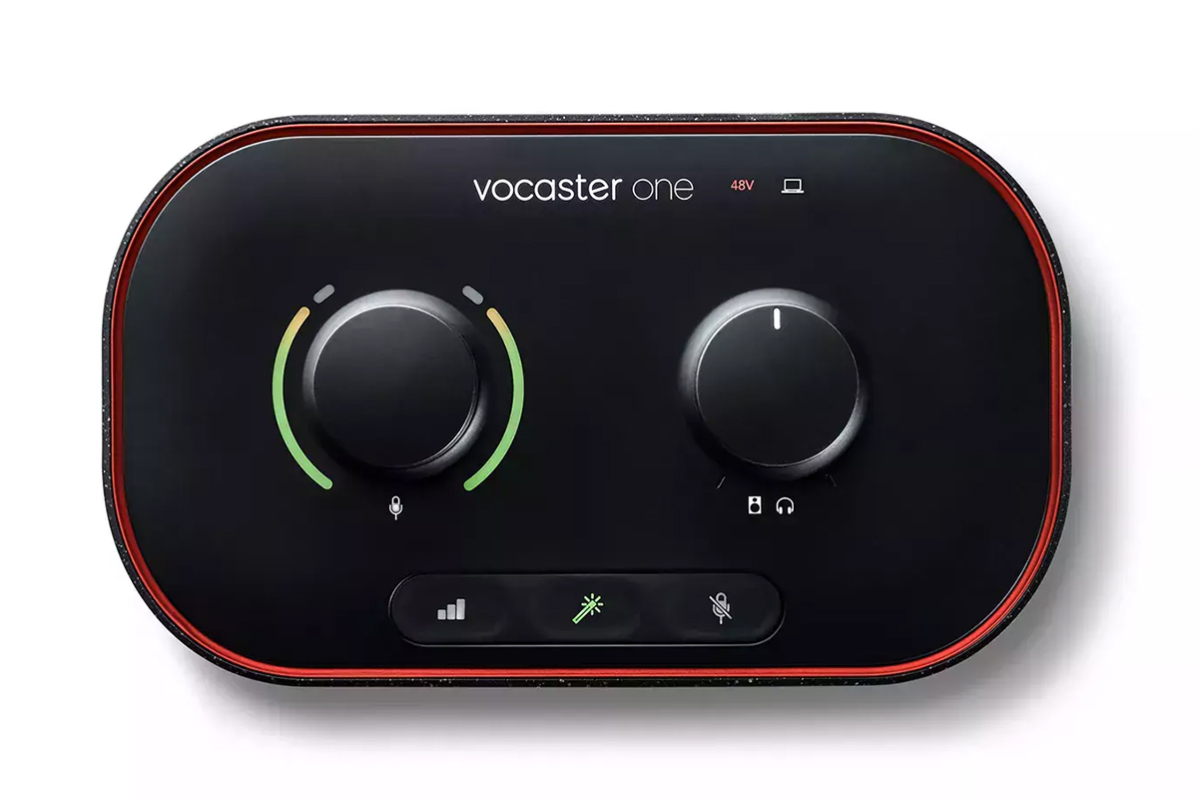
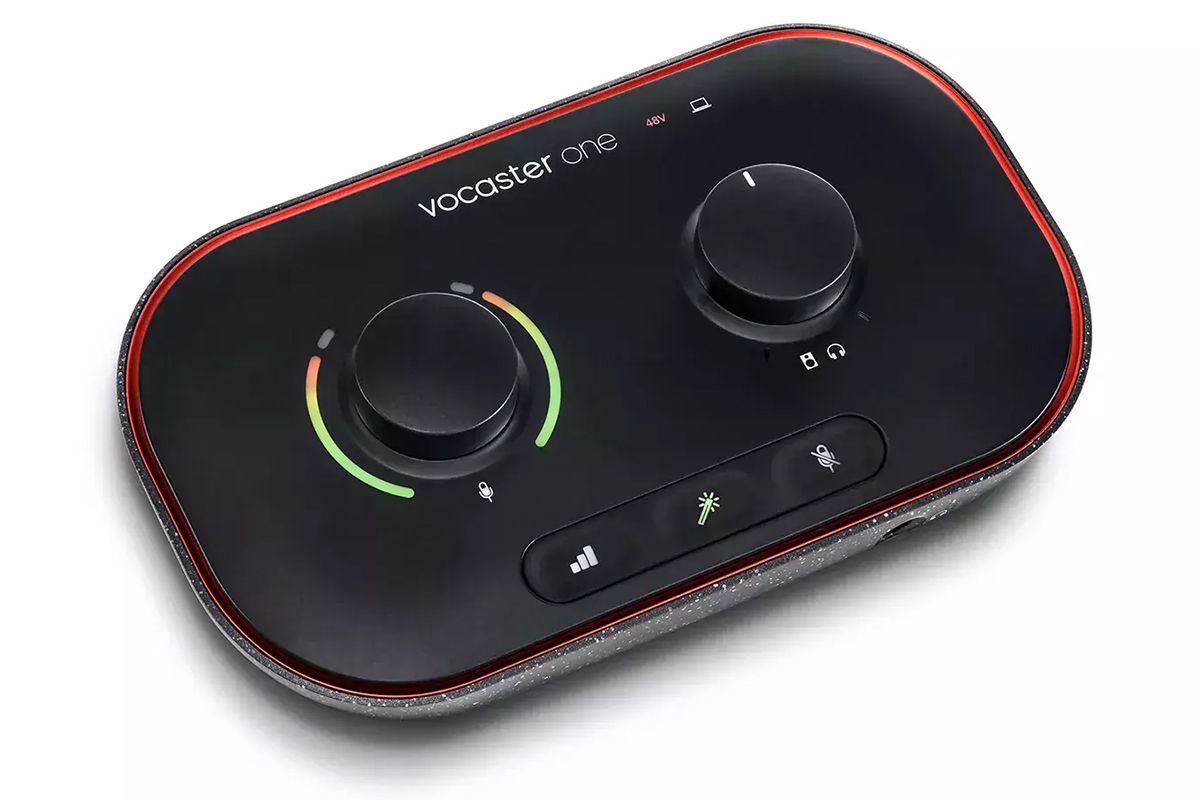
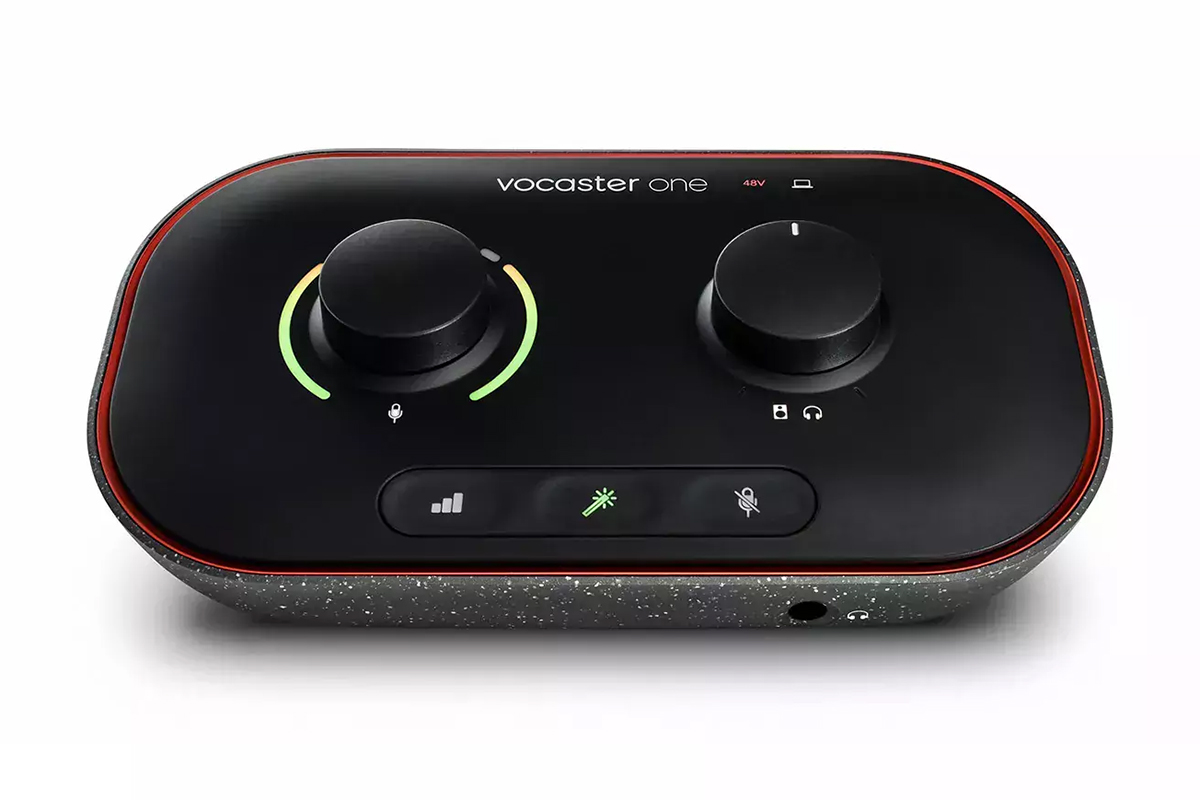
Main features and advantages of Focusrite Vocaster One: Gain range 70 dB; Instant «Mute» button; Built-in voice presets (effects); Easy to start working with the device; Can connect a guest using TRRS.
The easiest way to bring studio-quality sound to your podcast.
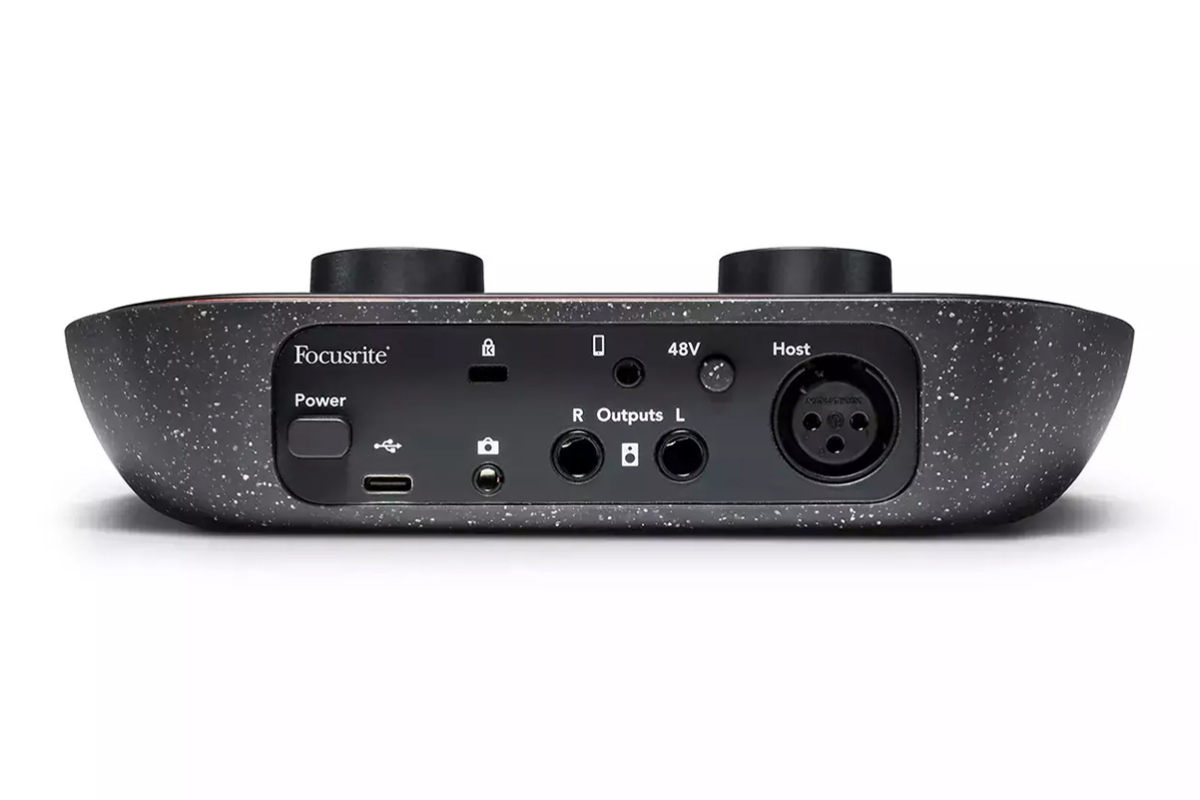
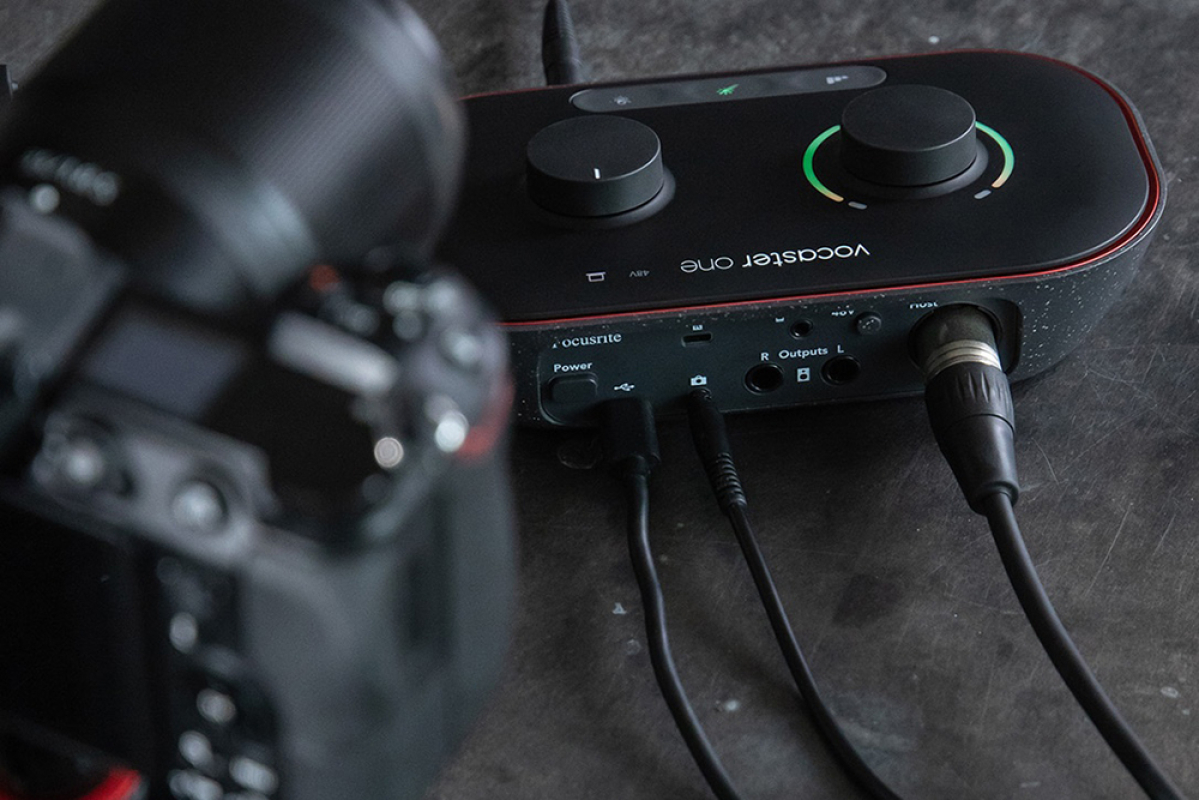
The line of audio interfaces is specifically designed for creating podcasts/streams and other similar content. The devices have a built-in compressor, a mute button, "running" gain monitoring of microphone levels and headphone output (2 mini gain monitoring displays), an automatic gain function, which allows Vocaster to adjust to the speaker/audience. Additionally, the audio interface can be customized in the Vocaster software on a computer, with connections available to phones, cameras, and much more.
Audio interfaces and studio consoles from Focusrite are essential elements of many recording studios. Thanks to Focusrite Vocaster, your voice on air will be heard in the best way even in ordinary home conditions.
You can connect a guest using TRRS
The interface is primarily for all types of podcasts, streams, etc. Mainly for solo content creators. Get incredible quality sound with gain using any XLR microphone. Adjust levels, enhance sound with just one button press. Stand out with Vocaster One in seconds.
Included software:
- Hidenburg LITE and PRO versions (the latter for a 6-month trial). An easy-to-use program for recording and further processing of podcasts, etc.;
- SquadCast Pro + Video (3-month trial) – A browser program for recording audio and automatically saving it in the online cloud. Also, each podcast participant can connect to the room, highlight their own track, adjust and focus on their sound;
- Acast Influencer (6-month trial) – A leader in podcast distribution and active promotion with very good listener matching algorithms;
- Amplify Studio – Easy to use and essentially a sequencer.